Main Menu


Compare eSIM Data Plans Now and Save on Your Next Trip
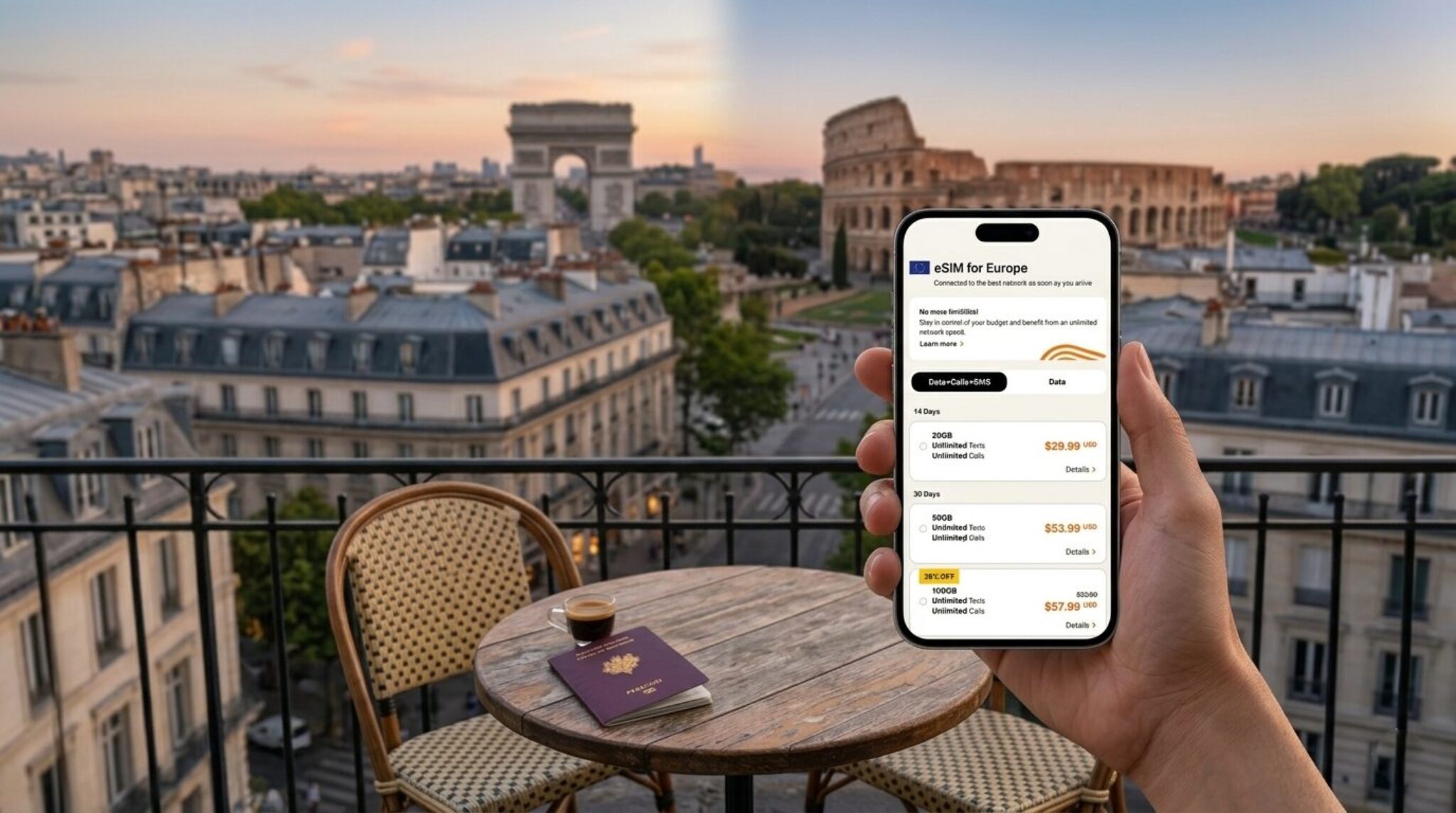
After landing in a new country, you can immediately scan a QR code from a provider and activate a local data plan without visiting a store or swapping your physical SIM card. An eSIM data plan is a digital profile stored directly on your phone’s embedded chip, which connects to a carrier’s network just like a traditional SIM. To use it, you purchase a plan online, download the profile via QR code or an app, and then select that profile in your device’s settings to start browsing. Its main benefit is instant connectivity with flexible, multi-network coverage while keeping your primary number active for calls and texts.
What Exactly Is an eSIM and How Does It Differ from a Physical SIM?
An eSIM data plan lives directly inside your phone’s chip, not on a removable plastic card. Unlike a physical SIM, which you must insert, swap, or track, the eSIM is built into your device and activated by scanning a QR code or tapping a carrier app. For data plans, this means you can download a local or global eSIM profile in minutes, then switch between carriers without hunting for a tiny card or ejecting a tray. Physical SIMs tie you to one operator per slot, while eSIMs let you store multiple profiles and choose which one is active—ideal for travel or testing cheap data packages. The big difference: no hardware change, just instant software provisioning. That removes the risk of losing your SIM and lets you top up or change plans remotely, giving you total flexibility over connectivity.
Understanding the Embedded SIM Technology on Your Device
Understanding the embedded SIM technology on your device means recognizing that the eSIM chip is soldered directly onto the motherboard, eliminating the physical card slot. Unlike a removable SIM, you cannot swap it between phones manually; instead, you download a profile via a QR code or carrier app. For eSIM data plans, this embedded module stores multiple profiles, allowing you to switch operators without opening the device. The chip’s firmware manages authentication and network access locally, so activation happens in minutes. Crucially, embedded SIM technology ensures your device remains sealed, which enhances water resistance and frees internal space for other components.

- Check if your device model lists “eSIM” in its specifications before purchasing a plan.
- Your phone retains the last active profile even when offline, so network selection is instant.
- Deleting an old profile from the embedded chip frees storage for a new data plan.
Key Differences in Flexibility, Switching, and Storage
The core advantage of an eSIM lies in its instant flexibility for data plan switching. Unlike a physical SIM, which requires you to hunt for a tiny card, insert it, and store the old one safely, an eSIM lets you download a new carrier profile directly to your device. Switching between plans is a matter of tapping through settings, not swapping plastic. Storage is also radically different: while a physical SIM holds one profile at a time, an eSIM can hold multiple profiles—typically five to ten—on the same chip. This means you can keep a home plan active while storing a travel-specific data plan for later. You can even have two active profiles simultaneously, but only one data line functions at a time, which requires a quick manual toggle. For practical use, the sequence is simple:
- Scan a QR code or download a carrier app to install the eSIM profile.
- Store several regional data plans on your device without carrying extra SIMs.
- Switch between them by selecting an active line in your network settings.
How Do You Pick the Right Data Plan for Your Travel Needs?
Picking the right eSIM data plan starts with mapping your trip’s actual demands—don’t just grab the biggest bucket. Calculate your daily habits: streaming maps or video calls devour gigabytes, while messaging and email sip data, so choose a package that matches your usage, not your anxiety. Check the **eSIM data plan coverage** for your specific destination; a regional plan might be cheaper than a global one if you’re staying put. Next, scrutinize validity against your travel dates—a 10-day plan won’t save you if your journey stretches to two weeks. Finally, prioritize flexibility: a plan with a top-up option beats a rigid one when your itinerary changes. By weighing duration, data speed, and hotspot allowances, you can find the **right travel data plan** that keeps you connected without overpaying for unused megabytes.
Matching Coverage Zones and Network Speeds to Your Itinerary
Before you buy an eSIM, sketch out every country you’ll actually step foot in, then check that the plan’s coverage map includes all of them—a single “regional” zone might skip a layover or border town you didn’t expect. Speed matters just as much: if you’re hopping between cities where 5G is standard, don’t settle for a budget plan capped at 3G, or your maps and ride-hailing apps will crawl. For multi-stop trips, consider whether you’d rather switch local eSIMs per country (often faster) or keep one global plan for convenience, accepting slower speeds in less-developed zones. Align $1 eSIM the plan’s maximum download rate with your real tasks—streaming or video calls need at least 10 Mbps, while basic messaging works fine on slower networks. Matching coverage zones and network speeds to your itinerary means reading the fine print on peak vs. unlimited data, because a “4G” label can throttle after a few GB, killing your navigation right when you need it.
Comparing Data Allowances, Validity Periods, and Price Per Gigabyte
When picking an eSIM, don’t just stare at the total data—break it down. Compare the **price per gigabyte** by dividing the cost by the data amount, since some “budget” plans are actually pricier per GB. Check the validity period carefully; a 30-day plan isn’t ideal for a 45-day trip, even if it’s cheap. For short hops, a small 5GB plan works, but for heavy streaming, look for unlimited or 20GB+. Always do the math on daily usage—if you need 1GB per day, a 10GB/30-day plan beats a 5GB/15-day one. A simple sequence helps:
- Estimate your daily GB needs.
- Multiply by trip days.
- Compare that total against the validity and price per GB.
Evaluating Top-Up Options and Data Rollover Policies
When selecting an eSIM, scrutinize the top-up mechanics and rollover rules before committing, as these determine long-term flexibility and cost. Choose a provider that allows instant, in-app top-ups without forcing you to purchase a new plan, and verify whether unused data from your current cycle rolls over automatically—otherwise, you are paying for bandwidth you lose. For unpredictable trips, prioritize plans with a clear rollover window (e.g., 30 days) and a low-cost top-up tier that matches your typical overage, not a premium bundle. Remember that “unlimited” top-ups often throttle speeds after a soft cap, making them poor value for video calls. Compare the per-gigabyte rate of a top-up against a fresh plan, because some operators inflate add-on prices, and always test whether rollover requires manual activation or resets your expiry date.
Step-by-Step Setup: Activating and Managing Your Digital Profile

Begin by scanning the QR code your carrier provides, which automatically downloads the eSIM profile to your device’s settings menu. After installation, label the profile clearly (e.g., “Travel Data”) to distinguish it from your primary line, then set it as the active data source under Cellular or Mobile Data. For managing usage, open the same menu to toggle data roaming on or off, adjust per-app access, or temporarily disable the profile without deleting it—a useful step if you switch between networks mid-trip. To activate a new plan later, revisit the carrier’s app or portal to refresh the profile rather than re-downloading everything. Always keep your primary eSIM profile backed up via your device’s cloud sync, as removal is permanent. Monitor the data counter within the profile’s settings to avoid overage fees. If a profile fails to activate, restarting the device usually resolves the handshake between the carrier server and your phone’s secure element. Finally, delete inactive profiles only after confirming your current plan’s expiration date.
Scanning a QR Code vs. Manual Entry: Which Method Works Best?
When activating an eSIM data plan, QR code scanning is the superior method for most users because it eliminates transcription errors and completes installation in under a minute. Manual entry, while useful when the QR code is damaged or unavailable, requires copying a lengthy SM-DP+ address and activation code exactly, where a single typo forces a full restart of the setup process. Scanning works instantly with your phone’s camera, pulling the correct profile configuration directly from the carrier’s server, whereas manual entry demands careful cross-referencing of a printed email or screenshot. For travel eSIMs, where you often install on the go, scanning wins on speed and reliability; manual entry should be reserved as a backup for low-light or physical-hardware failures.
- QR scanning reduces setup time to seconds and avoids keystroke mistakes.
- Manual entry requires the exact SM-DP+ address, making it error-prone on small screens.
- Choose manual entry only if the QR image is unreadable or your camera is broken.
Installing Multiple Profiles and Switching Between Them Seamlessly
Installing multiple eSIM profiles is a game-changer for travel, letting you keep your home number and a local data plan on the same device. After scanning the QR codes from your providers, each profile appears in your phone’s settings, usually under Cellular or Mobile Data. To switch, simply go there, tap the profile you want to activate, and toggle it on—your phone will automatically disconnect the other. For a faster approach, **enable seamless switching via dual-SIM settings**, assigning one line for data and another for calls. Just remember to set one profile as the default for data to avoid surprise charges, and you can flip between them in under ten seconds.
Troubleshooting Common Activation Errors and No-Service Issues
When an eSIM profile fails to activate, first verify the QR code or manual entry matches the activation code exactly, as a single typo in the SM-DP+ address causes immediate rejection. If you see “No Service” after installation, toggle airplane mode for 30 seconds to force a network resync, then confirm that the eSIM is set as the active line in your device’s cellular settings—many errors stem from a secondary line being selected. For persistent activation failures, check that your device’s carrier lock is disabled and that the plan’s start date has passed. As a last resort, delete and re-download the profile, ensuring a stable Wi-Fi connection during download. If “No Service” persists, manually search for available networks under carrier selection, choosing the correct operator for your region. This troubleshooting common activation errors and no-service issues workflow resolves most cases without contacting support.
What Hidden Benefits and Practical Features Should You Look For?
When evaluating eSIM data plans, look beyond headline gigabyte counts to uncover the quiet wins that elevate daily use. Prioritize plans offering automatic network switching, which seamlessly jumps between local carriers to maintain signal strength in dead zones—a feature often buried in the fine print. Seek out unused data rollover or “data banking,” letting you accumulate leftovers for future trips instead of paying for a new package. A genuinely useful plan includes a simple companion app for real-time usage tracking and one-tap top-ups, avoiding surprise cutoffs. Pay attention to whether the plan supports tethering without extra fees, as many budget options silently disable this crucial functionality. Also, verify the validity period extends beyond 30 days, giving flexibility for staggered travel. Finally, check for multi-profile management, allowing you to toggle between work and personal lines without uninstalling anything.
Keeping Your Primary Number Active with Dual SIM Functionality
Dual SIM functionality lets you keep your primary number active while a travel eSIM handles data, avoiding missed calls or SMS from your home carrier. Your primary SIM remains on for voice and text, while the eSIM profile manages all internet traffic, so you pay zero roaming charges for data without switching numbers. Keeping your primary number active with dual SIM functionality requires your phone to support DSDS (dual SIM dual standby), which allows both lines to work simultaneously in standby mode. Ensure your primary carrier supports Wi-Fi calling as a fallback, since some devices disable cellular on the primary line when an eSIM is active. Configure the primary SIM for calls/SMS only and the eSIM for data to prevent accidental cross-network charges.
Using Instant Connectivity for Ride-Hailing, Maps, and Banking Alerts
With an eSIM data plan, your phone activates the moment you land, so ride-hailing apps immediately show nearby drivers without hunting for airport Wi-Fi. This instant connectivity also makes turn-by-turn navigation reliable during the first unfamiliar drive, preventing wrong exits while your banking app pushes real-time fraud alerts or low-balance notices to your lock screen. No physical SIM swap means zero downtime, ensuring your driver, map, and financial notifications all function concurrently. Instant connectivity for ride-hailing transforms arrival logistics—you book a car before baggage claim, not after. Seamless activation also lets you receive OTP codes for payment verification mid-trip, avoiding failed transactions. Q: Can I get ride-hailing confirmations before my bank verifies my eSIM? A: Yes, both services activate simultaneously, but banking alerts may require a quick one-time login on the new network.
Understanding Fair Usage Policies and Throttling Thresholds
Understanding fair usage policies and throttling thresholds is essential when selecting an eSIM plan, as these limits dictate your real-world speeds after a certain data volume. A fair usage policy typically caps high-speed consumption, after which your connection slows to a lower bandwidth, affecting streaming and downloads. Before purchasing, check the exact threshold—often 1–2 GB per day—and the reduced speed value, commonly 128 kbps to 1 Mbps. This throttling threshold determines whether basic browsing remains viable or becomes nearly unusable. Prioritize plans that list this throttling threshold clearly, and calculate your typical usage to avoid unexpected slowdowns during critical travel or work periods.
Frequently Asked Questions: Solving Real-World User Dilemmas
When you’re wrestling with an eSIM data plan, the real-world dilemmas usually boil down to “will this actually work on my phone?” and “what happens if I mess up?” FAQs tackle the panic of installing a QR code mid-trip, clarifying that you can often switch plans without yanking your physical SIM, but only if your device is unlocked. They also settle the classic confusion about dual SIMs: your eSIM can hold multiple plans, yet only one stays active for data at a time, so you’re not juggling calls from two countries simultaneously. A truly practical FAQ admits that coverage gaps happen, so they’ll tell you exactly how to manually pick a local network instead of blaming the plan. Most importantly, these guides address the dreaded “no service” after reboot, pointing you to re-downloading the profile or toggling airplane mode—saving you from a frantic support chat. That’s the core value: instant, actionable fixes for moments when your connectivity is on the line. Stop guessing, and check the FAQ before you buy.
Will a Digital Plan Work on a Locked or Older Smartphone?
Will a digital plan work on a locked or older smartphone? The plan itself is not tied to your carrier lock; the eSIM profile installs independently of SIM lock status, so a carrier-locked device can often accept a digital plan from another provider if the phone’s firmware allows it. However, older smartphones may lack the required eSIM hardware or the latest software support. Check your phone’s settings for “Add eSIM” — if absent, it won’t work. For locked devices, the practical issue is network access, not eSIM installation; the phone may still block the foreign profile.
Will a digital plan work on a locked or older smartphone? No, unless the device has eSIM hardware and the carrier lock permits adding a new profile. Most older models (pre-2018) are physically incompatible.
How Secure Is My Data and What Happens If I Lose My Phone?
Your data on an eSIM is protected by the same hardware-level encryption as your device’s internal storage, and the eSIM profile itself is locked to your specific phone’s secure element. If you lose your phone, the physical SIM card—a common vector for account theft—is gone, so no one can pop it into another device to intercept your two-factor authentication codes. You can immediately remotely wipe the phone via your carrier’s app or your cloud account, which erases both your personal files and the eSIM profile. Remote eSIM deletion is your ultimate kill switch, severing the digital line instantly. Even without a wipe, the eSIM profile cannot be extracted by swapping hardware, as it is cryptographically bound to the original device. Q: What happens if I lose my phone? A: You lose the device, but not the number—your carrier can reissue the eSIM as a QR code for your replacement phone, while the old profile remains bricked.
Can I Share My Mobile Data with Other Devices as a Hotspot?
Yes, you can share your mobile data with other devices as a hotspot when using an eSIM data plan, provided your device’s hardware supports hotspot functionality. The eSIM itself does not restrict tethering; instead, your carrier’s plan terms govern whether hotspot tethering with eSIM is permitted. Some eSIM plans explicitly include tethering, while others may cap speeds after a certain threshold. To verify, check your plan’s data policy in the carrier app or website. If enabled, simply activate Personal Hotspot in your device’s settings, and other devices will connect via Wi-Fi, consuming data from your eSIM’s allowance. Data sharing works seamlessly for laptops, tablets, or other phones, but heavy usage may drain battery quickly. Q: Can I share my mobile data with other devices as a hotspot? A: Yes, if your plan allows it and your phone supports tethering—always confirm your carrier’s specific rules first.